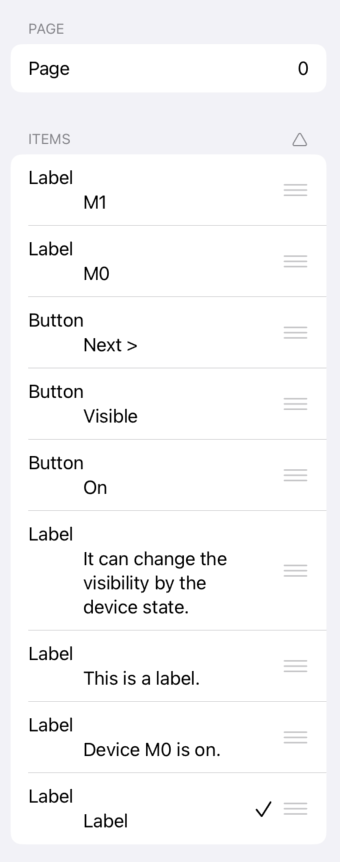
Items List
The items on the page are listed.
When items overlap and cannot be easily selected, you can choose them from a list.
The selected item is marked with a checkmark
 .
.
Drag the sort icon
 to change the order of the overlaps. The top of the list will appear above the overlaps.
Matrix Items
Matrix items are displayed in a tree structure.
The number of generated child items is shown on the right side of the matrix row.
Tap the triangle icon to the left of the matrix name to reveal all generated child items (headers and data cells).
Child items are displayed indented to indicate they belong to the matrix.