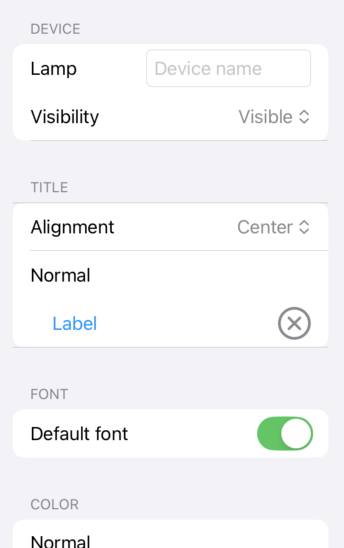
Object settings
The object settings are used to configure pages and items.
Press the button
 at the bottom of the inspector to display the object settings.
Object
The object setting is for the page or item selected in the preview section.
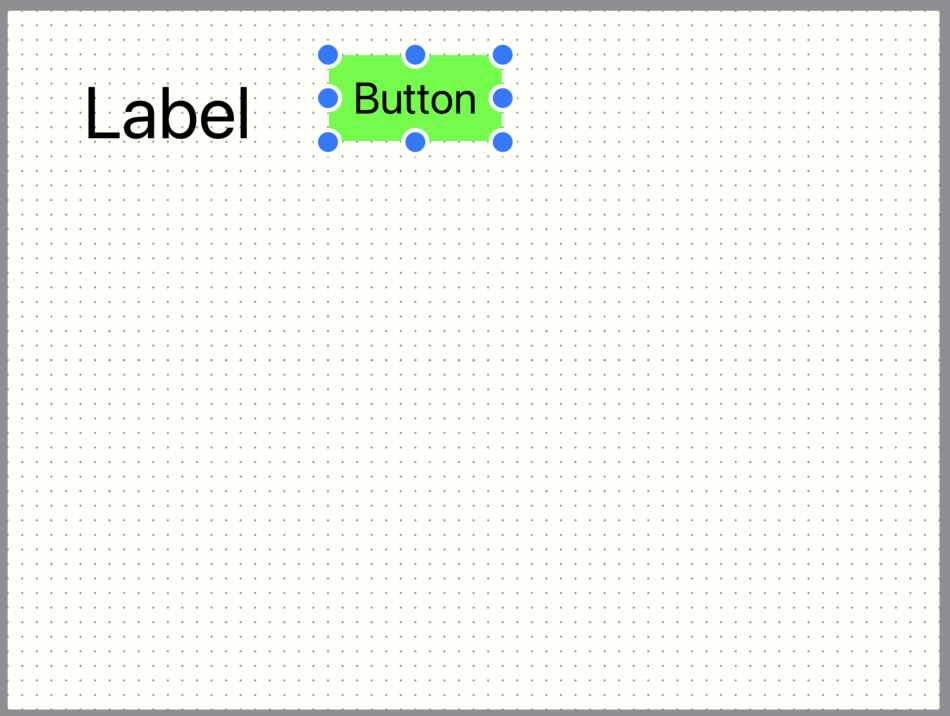
When you press an item on the page, eight blue circular knobs appear around it to indicate that it has been selected.
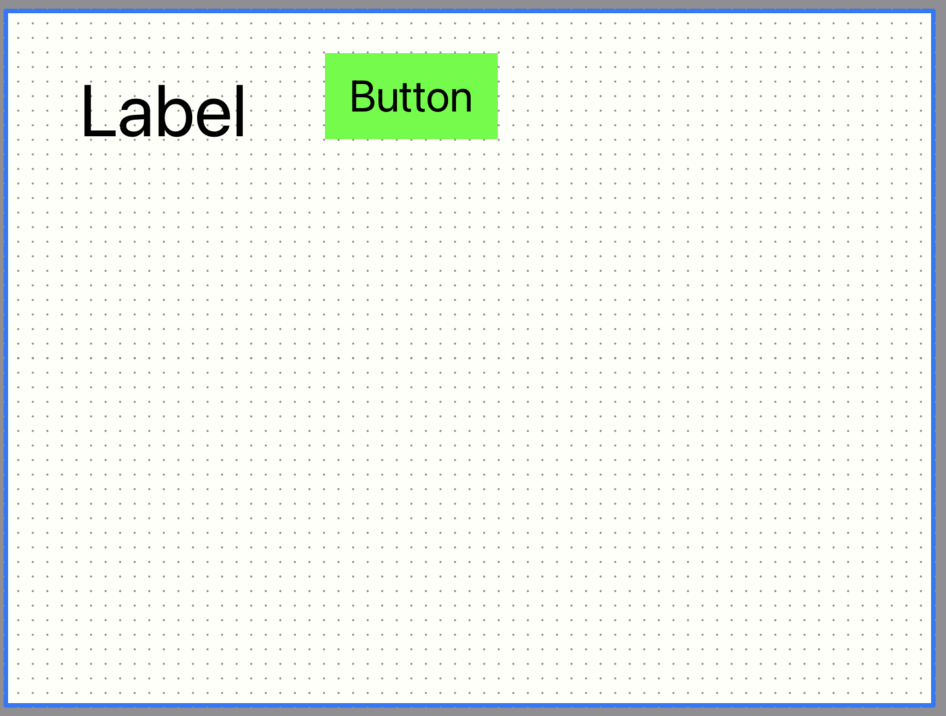
If you press on an empty part of the page, a blue line will appear around the perimeter to indicate that the page is selected.
The settings of the currently selected page or item are displayed in the object settings.
Settings
Please see the respective sections for more information on each setting.- Page
- Item
-
Common
Please refer to the common sections for the items that are common to each section. - Label
- Button / Lamp
- Value
- Slider / Progress
- Meter
- Web page
- Message
Button is selected
Page is selected
Object settings