Inspector
The inspector allows you to configure projects, pages, and items.
In the inspector, there are five separate functions that are toggled by the tab buttons.
-
 Project Settings
Project settings allow you to configure settings related to the project. -
 Object setting
The object settings are used to configure settings related to pages and items. -
 Item List
List, select, and sort the items on the page in the Item List. -
 Device Manager
Device Manager displays a list of PLC devices used in the project, with search and batch replace functions. -
 Localization Manager
Localization Manager displays translatable strings in the project, shows translation progress, and allows editing translations.
Inspector tab switching
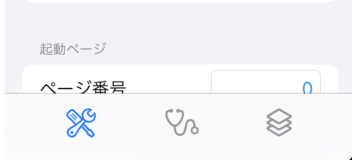
Tab since iOS 18.
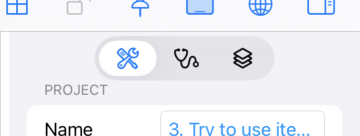
The location of tab is changed to top since iOS 18.
By this document, it describes tab locase as the bottom because it explains prior to iOS 18. Please read it from the bottom to the top.