Data Logging
The Data Logging feature records PLC device values to CSV files at regular intervals or based on trigger conditions.
You can create multiple configurations and record simultaneously.
Configuration
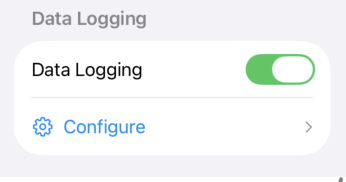
Open the configuration screen from the "Data Logging" section in Project Settings.
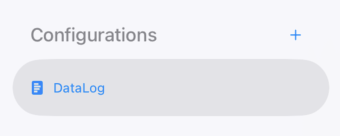
Configurations
- The sidebar displays a list of configurations.
- Press the + button to add a new configuration.
- Double-tap the configuration name to rename it.
- Swipe or use the context menu to delete.
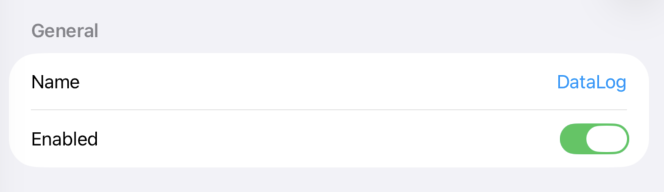
General
-
Name
Specify the configuration name. -
Enabled
Enable or disable this configuration. Disabled configurations will not start logging when the project runs.
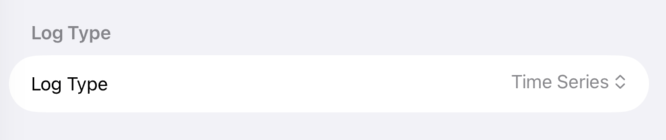
Log Type
Time Series
Records device values over time. Each row contains a timestamp and all device values.
| timestamp | Speed | Pressure | Temp |
|---|---|---|---|
| 2026-05-16 10:00:00.000 | 1500 | 80 | 25 |
| 2026-05-16 10:00:01.000 | 1520 | 81 | 26 |
Table
Creates one file per trigger and records device values in table format.
The same device is expanded with row-based offsets.
-
Row Count
Specify the number of rows in the table.
For example, with devices
D0000
(Speed) and
D0100
(Pressure), and a row count of 3:
| Speed | Pressure | |
|---|---|---|
| 1 | Value of D0000 | Value of D0100 |
| 2 | Value of D0001 | Value of D0101 |
| 3 | Value of D0002 | Value of D0102 |
Each row offsets the device address by +1.
The resulting CSV looks like this:
| Speed | Pressure | |
|---|---|---|
| 1 | 1500 | 80 |
| 2 | 1520 | 81 |
| 3 | 1480 | 79 |
Output
-
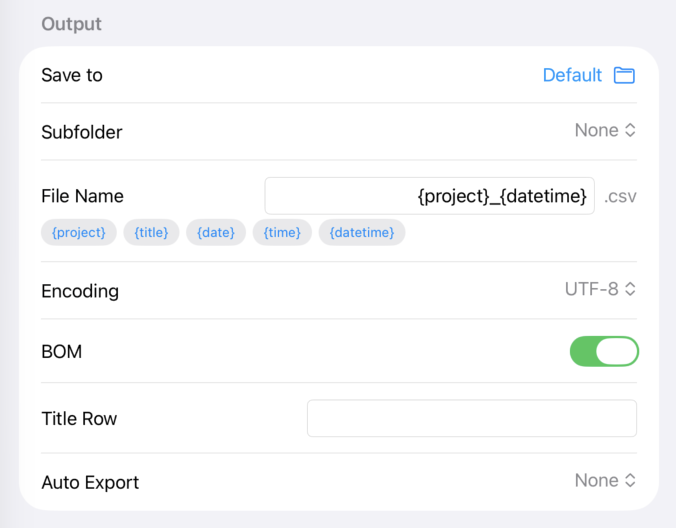
Save to
Specify the export destination folder. If not specified, files are saved to Documents/DataLogs. -
Subfolder
Select how to create a subfolder.- None - No subfolder
- Project Name - Create a subfolder with the project name
- Project UUID - Create a subfolder with the project UUID
-
File Name
Specify the file name using template tags.-
{project}- Project name -
{title}- Title row value -
{date}- Date (yyyyMMdd) -
{time}- Time (HHmmss) -
{datetime}- Date and time (yyyyMMdd_HHmmss)
-
-
Encoding
Specify the character encoding for exported CSV files (ASCII, Shift_JIS, Japanese EUC, UTF-8, ISO Latin 1, ISO Latin 2, Non-lossy ASCII). -
BOM
For UTF-8, specify whether to add a BOM (Byte Order Mark). Adding BOM is recommended when opening files in Excel. -
Title Row
Add a title row at the beginning of the CSV. Leave empty to omit. -
Auto Export
Select the format for automatic file export when the project stops.- None - No auto-export (internal file only)
- CSV - Export as CSV
- Excel - Export as Excel (XLSX)
-
Excel Borders
Add cell borders in Excel format. Only shown when Auto Export is set to Excel. -
Exclude Timestamp / Exclude Row Number
Exclude the timestamp column (Time Series mode) or row number column (Table mode) from export. Only shown when Auto Export is enabled.
Trigger
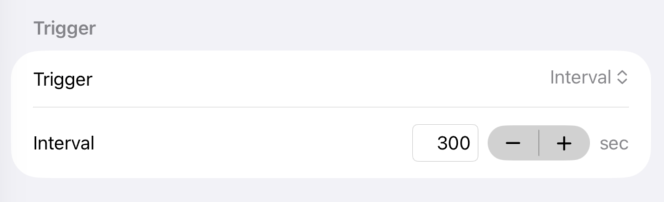
Configure the recording timing.
-
Interval
Records at the specified interval in seconds (0.1 to 3600 seconds). -
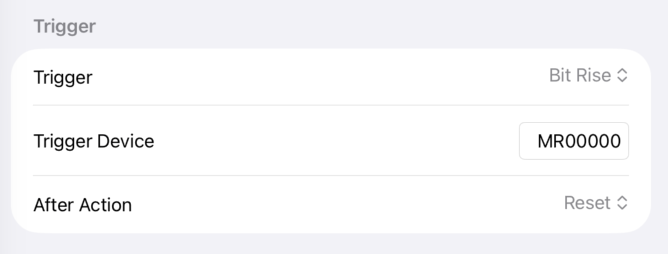
Bit Rise
Records when the specified bit device changes from OFF to ON. -
Bit Fall
Records when the specified bit device changes from ON to OFF. -
Bit Change
Records when the specified bit device value changes.
Trigger Device
For bit triggers, specify the bit device to use as the trigger.
After Action
For bit triggers, you can automatically operate the trigger device after recording.
- None - Do nothing
- Set - Turn ON the trigger device after recording
- Reset - Turn OFF the trigger device after recording
Device Settings
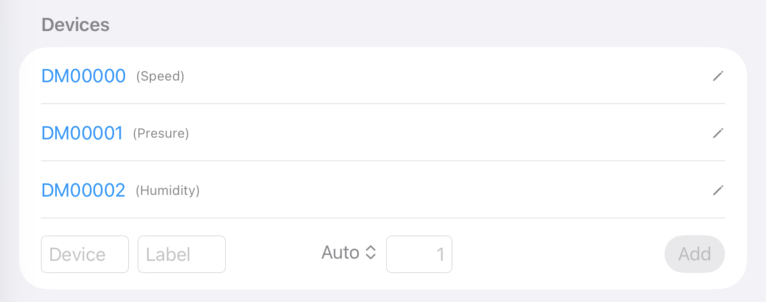
Configure the devices to record. In Table mode, this section is labeled "Columns".
-
Device
Specify the PLC device name (e.g., W0000, DM00000). -
Label
Used as the CSV header column name. -
Expression Type
Specify how the value is interpreted. Select "Auto" to auto-detect based on the device type. Bit devices are automatically set to Bit.- Unsigned / Signed - 16-bit unsigned/signed integer
- HEX - 16-bit hexadecimal display
- BCD - 16-bit BCD (Binary Coded Decimal)
- Unsigned(DWORD) / Signed(DWORD) - 32-bit unsigned/signed integer
- HEX(DWORD) - 32-bit hexadecimal display
- BCD(DWORD) - 32-bit BCD
- Float - 32-bit floating point
- Text - String (multiple words combined and decoded). You can specify the character encoding and byte count.
-
Count
Specify the number of consecutive devices. One entry can register multiple devices at once. Hidden in Table mode (rows are auto-expanded by Row Count). For Text type, specify the byte count instead.
Sessions
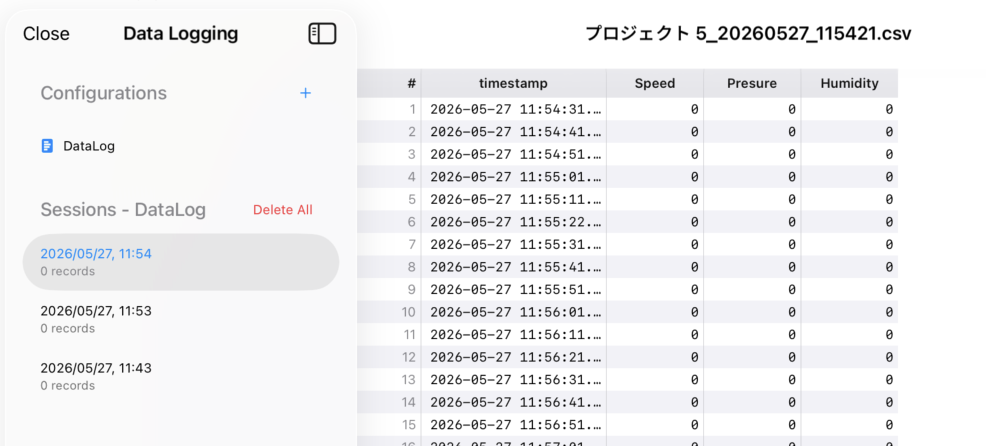
Recorded sessions are listed in the "Sessions" section of the sidebar.
- Select a session to preview the CSV data.
- Export in CSV or Excel format from the preview screen.
- Swipe to delete individual sessions (associated files are also deleted).
- Use "Delete All" to delete all sessions at once (a confirmation dialog is displayed).
Runtime Behavior
When a project is running, data logging automatically starts for all enabled configurations.
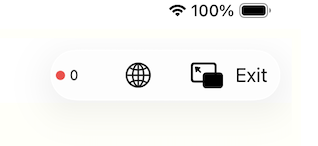
- A blinking red indicator and record count are displayed in the navigation bar at the top.
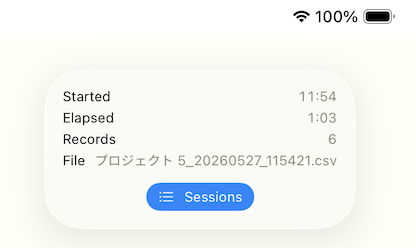
- Tap the indicator to view start time, elapsed time, record count, and file name for each logger.
- Use the "Sessions" button to view the session list and previews.
- Active recording sessions are marked with a red dot and cannot be deleted.
- Logging stops when the project execution ends, and auto-export is performed.
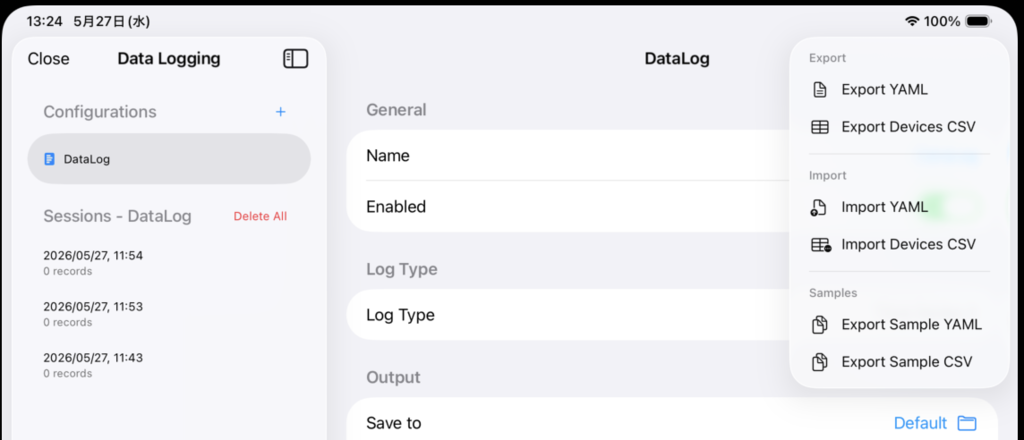
Import / Export
Configuration import and export are supported.
-
YAML
Export and import the entire configuration (trigger, output settings, device list) in YAML format. -
Devices CSV
Export and import only the device list in CSV format.
This allows editing the device list in a spreadsheet application before importing. -
Samples
Export sample YAML and CSV files to use as templates for importing.